

Turn any photo into a file your laser engraves beautifully.
Etch is an iPhone and iPad app that cuts out the subject, tunes it for the material and places every dot, then hands the file to xTool, LightBurn or Glowforge.
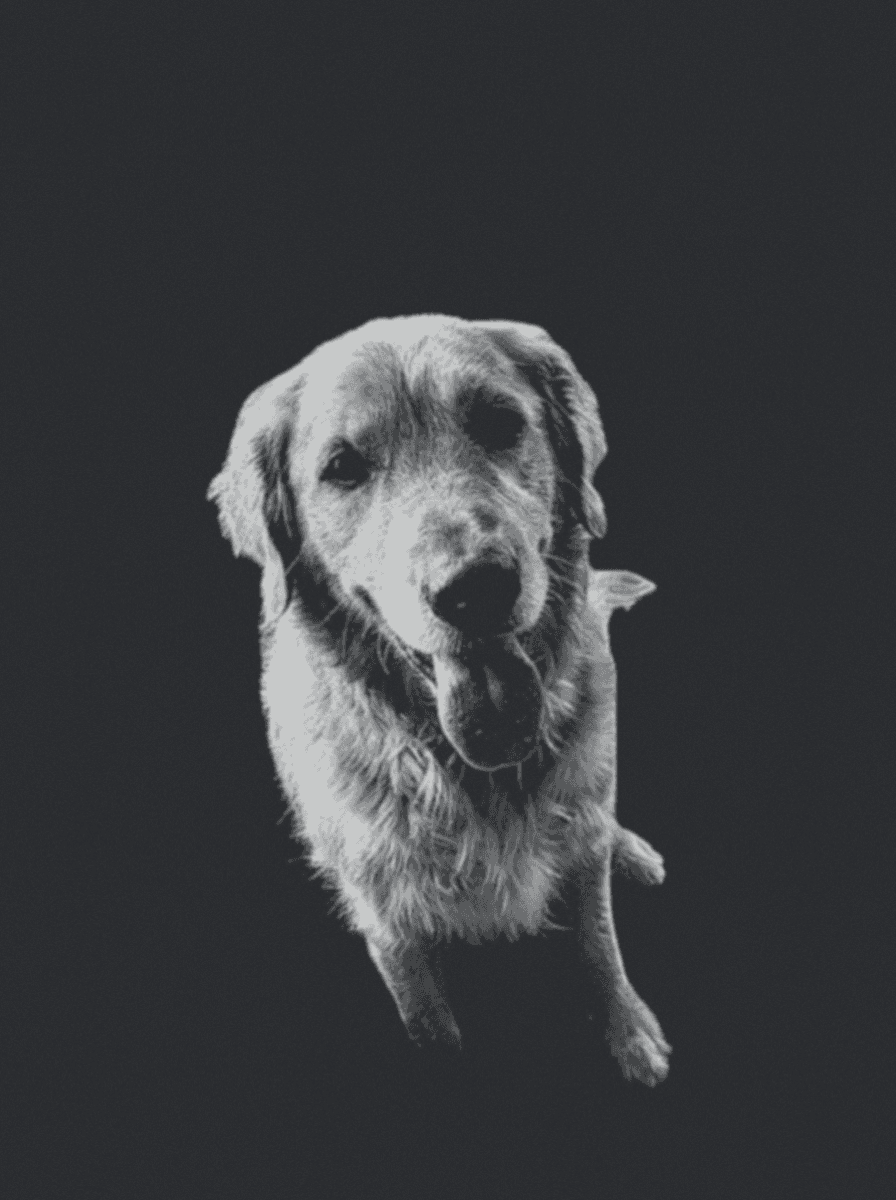
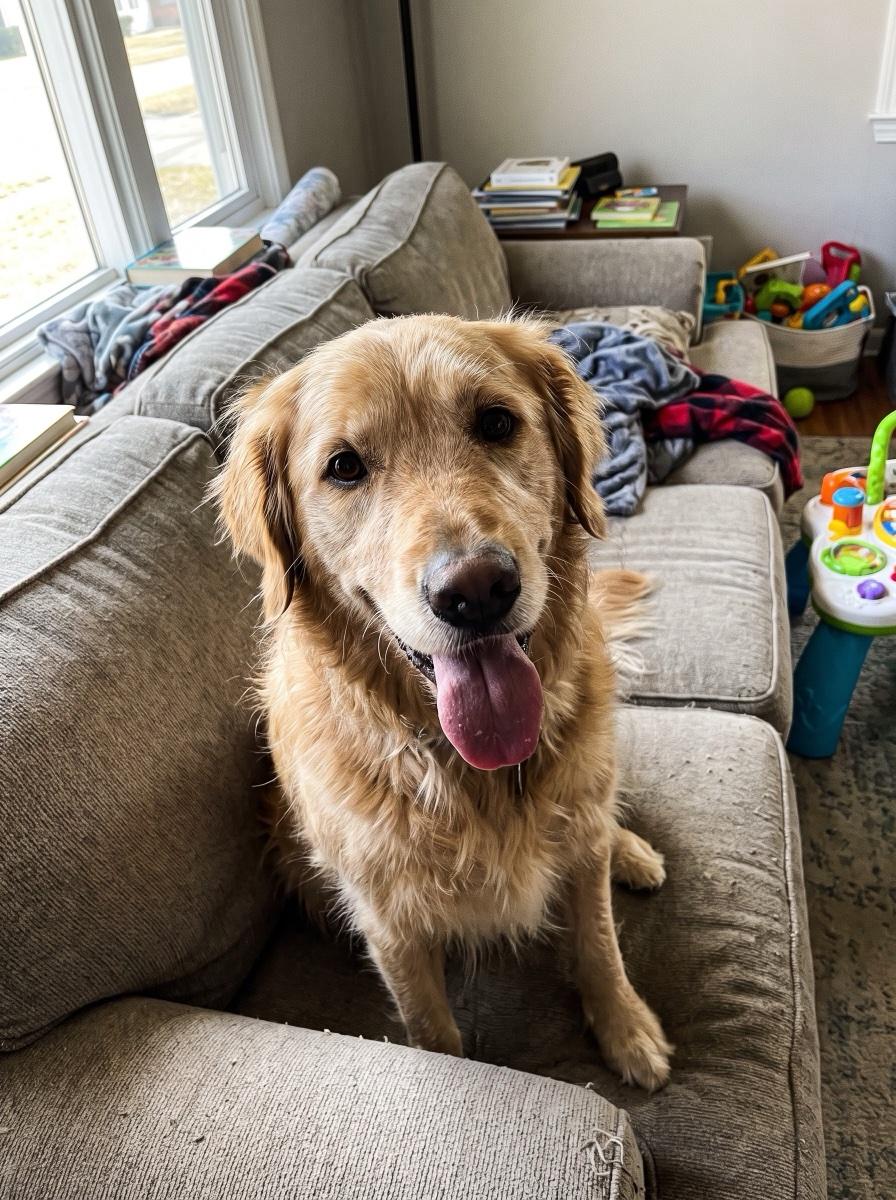
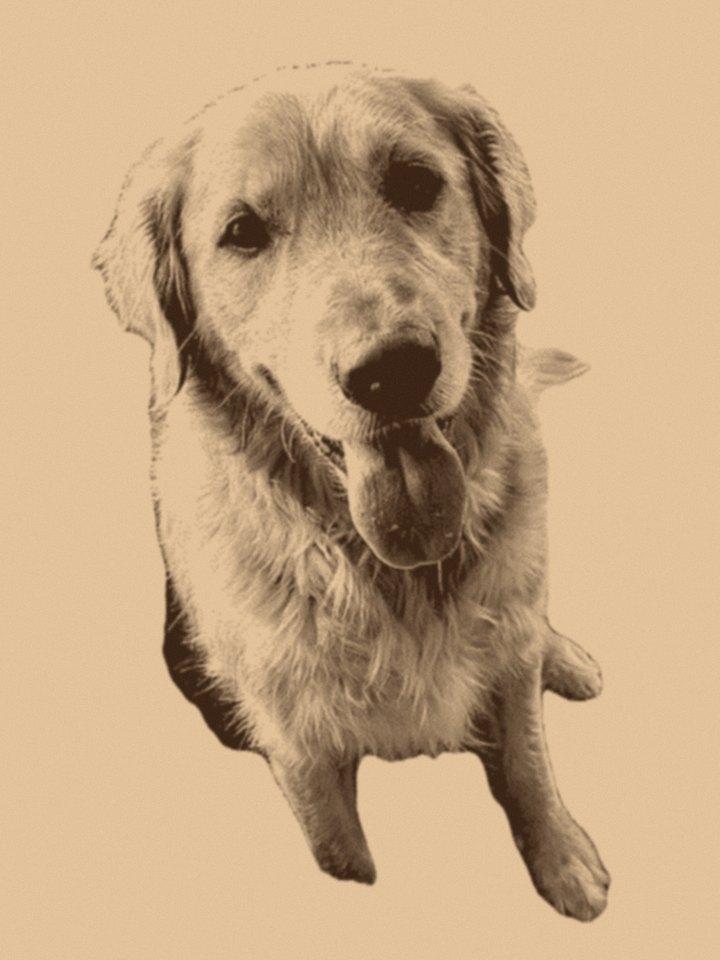 Wood
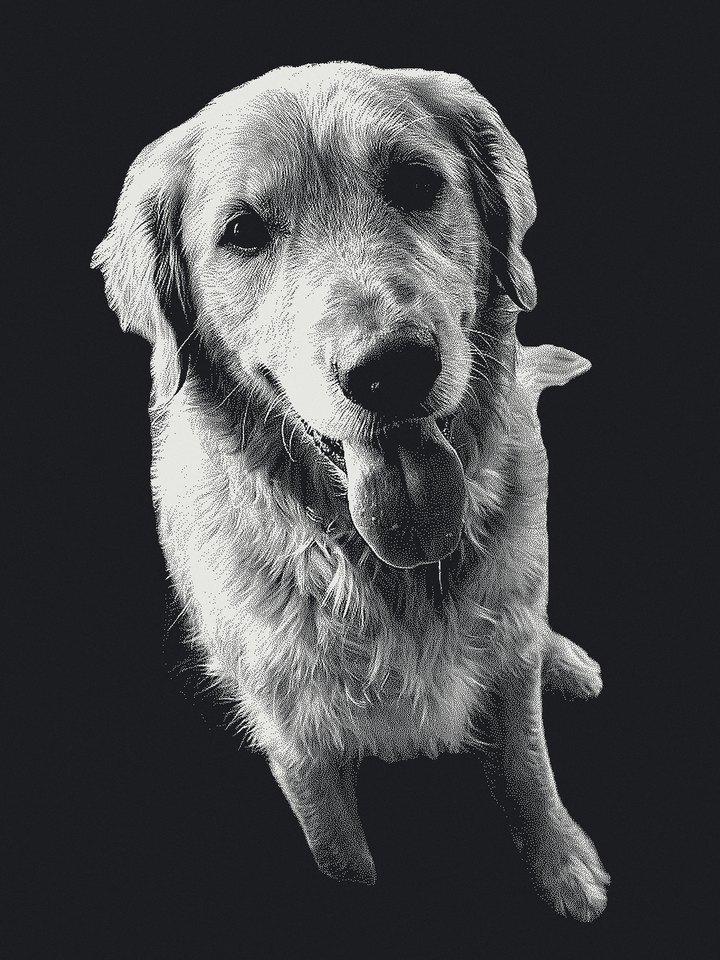 Anodized
 Leather
Engravings rendered by Etch’s own engine
Works with the laser software you already use.
Etch does not drive your laser. It hands a finished file to the software you trust, sized in millimetres at the material's line density, so one pixel is one pass of the laser.
- .xcs
xTool Studio
and Creative Space
- .lbrn2
LightBurn
project, ready to burn
- .svg
Glowforge
at its own LPI steps
- .png
Any laser
with real DPI
Everything a photo needs before it meets the laser.
Cut-outs, tone curves, dot patterns and line density used to mean an evening in desktop software. Etch does them on your phone and shows you the real dots before you burn anything.
- Cut out
Etch finds the person, pet or object and lifts it off the background, on the device. Scenes like a house or a lake keep theirs.
Remove background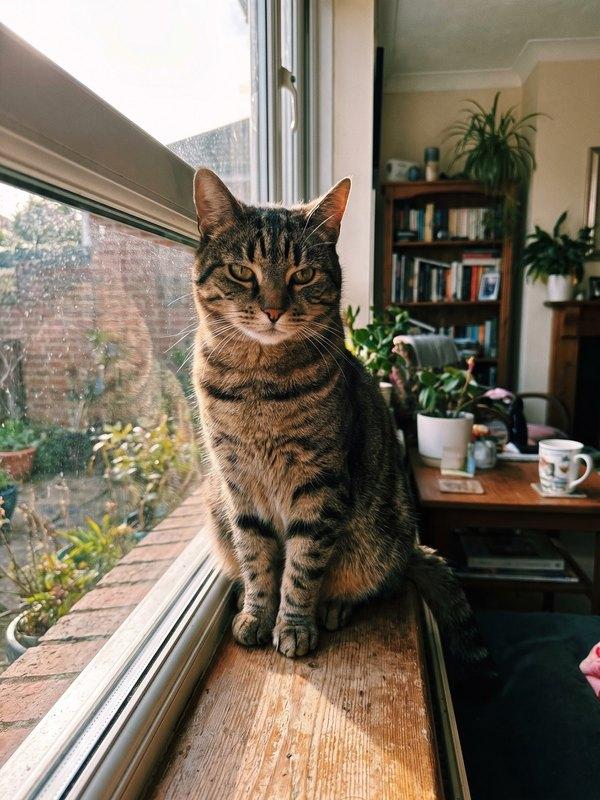
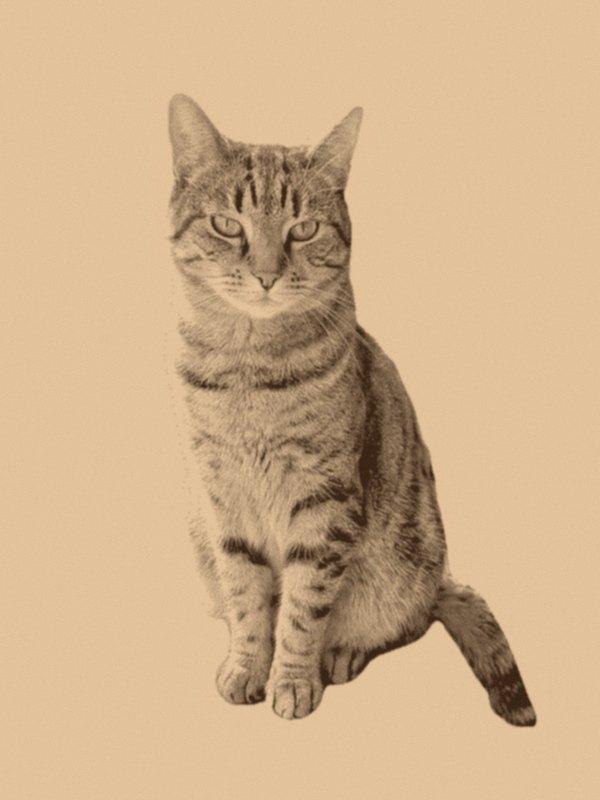
- Tune per material
Each material sets its own line density, tone curve and dot pattern. Slate and anodized aluminium mark light, so Etch inverts them.
Slate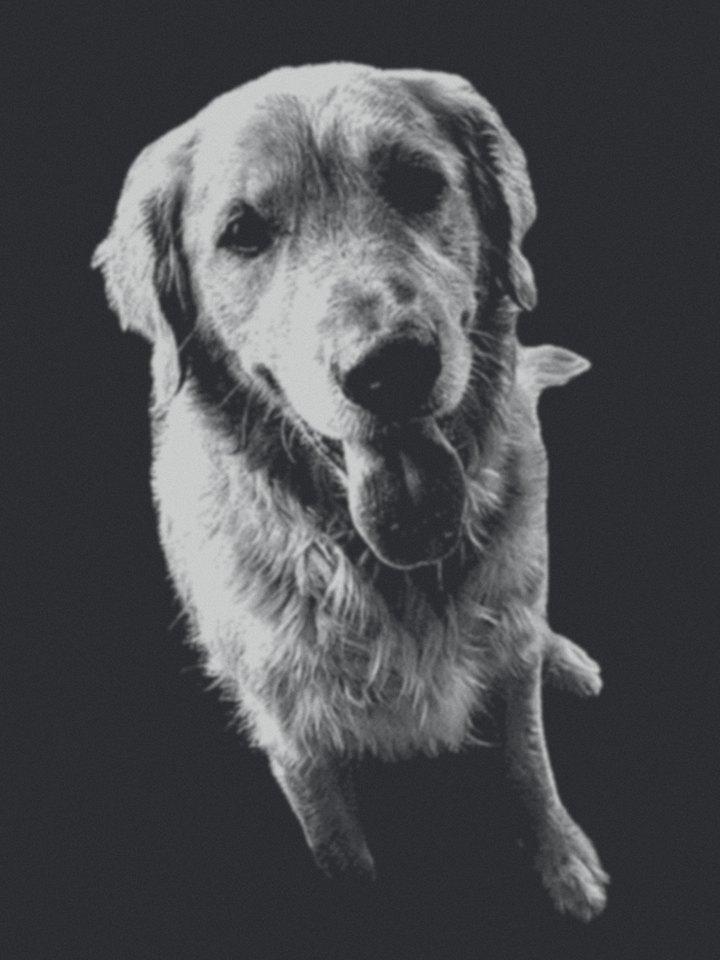
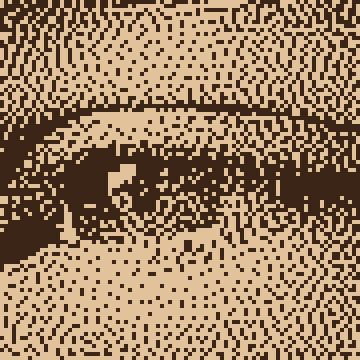
- Honest preview
The preview is the file: every dot the laser will fire, at real size, on the material's own colours.
Jarvis
- Send to laser
AirDrop the file to the laser's computer or save it to Files. Light-marking materials come out as a negative, already inverted for you.
Send to Laser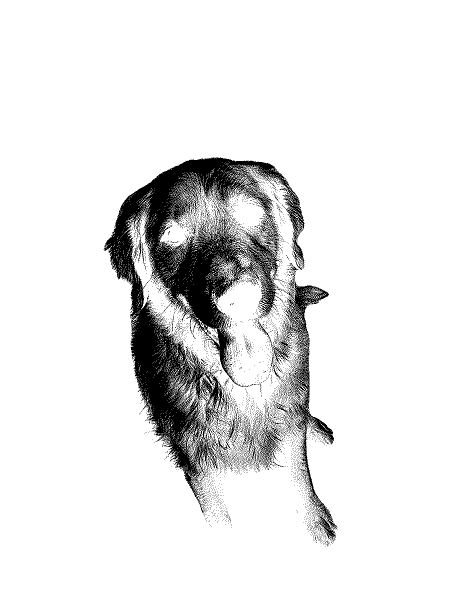
slate-90mm-254dpi.png - xTool Studio.xcs
- LightBurn.lbrn2
- Glowforge.svg
- Any laser.png
One photo, ten materials.
Wood, leather, cork and paper darken. Slate, anodized aluminium, granite, glass and acrylic lighten. Every preset is a starting point, and the app says so.
- Wood318 lpi
Darkens
- Slate254 lpi
Lightens, inverted
- Anodized423 lpi
Lightens, inverted
 Tile423 lpi
Darkens
- Leather254 lpi
Darkens
 Granite300 lpi
Lightens, inverted
 Acrylic300 lpi
Lightens, inverted
 Glass254 lpi
Lightens, inverted
 Cork200 lpi
Darkens
 Paper254 lpi
Darkens
No photo? Start from a design.
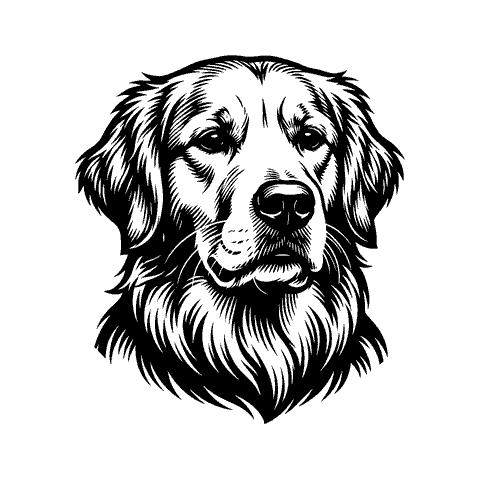
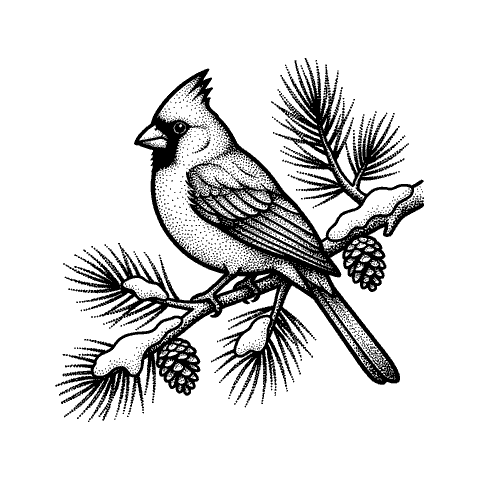
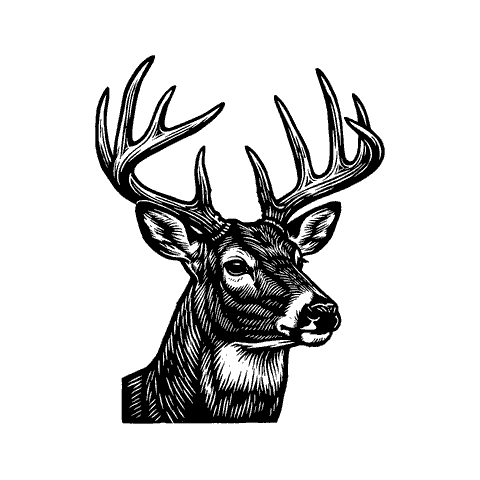
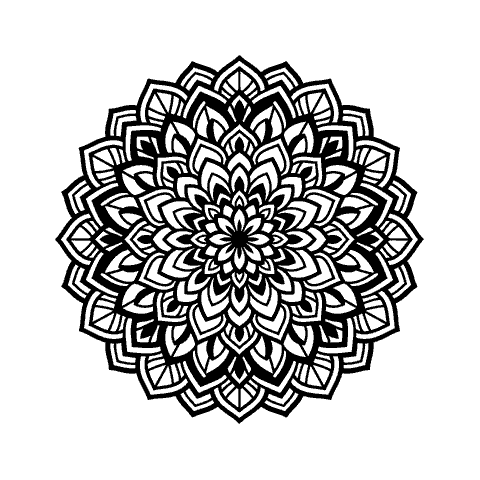
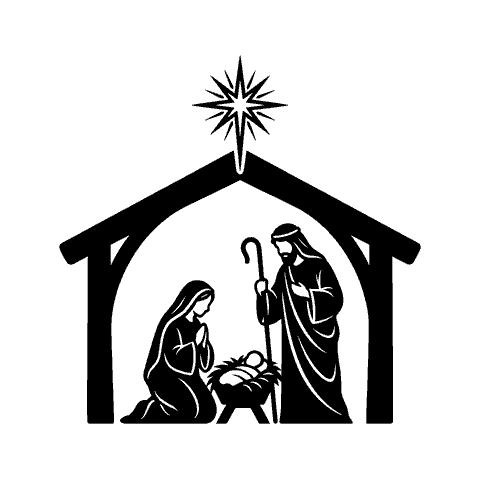
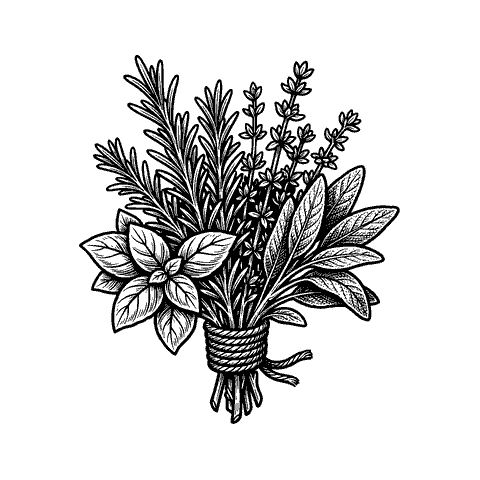
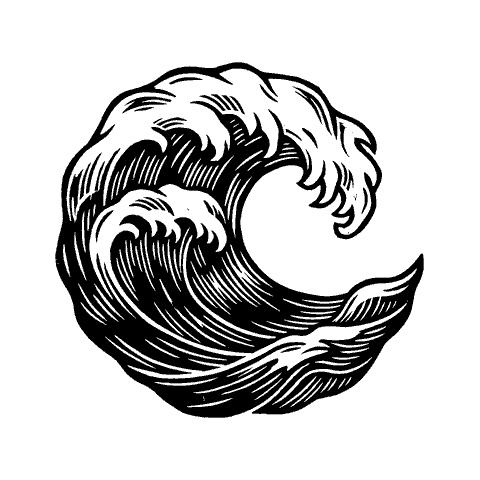
100 designs drawn for the laser, from pet portraits to mandalas. 14 are free to download as SVG and PNG, no email needed. The rest open in Etch with Pro.

Simple pricing.
The free version does real work. Pro is for people who engrave often.
Free
$0forever
Everything you need to make a good engraving.
- Subject cut-out, on device
- All ten materials and every dot pattern
- Honest burn preview
- Full-resolution PNG and SVG up to 150 mm wide
- A free premade design in every category
Coming soon to the App Store
Pro
$49.99a year
7-day free trial, then $49.99 a year. Cancel anytime.
- Everything in Free
- xTool, LightBurn and Glowforge project files
- Saved presets for your machines and materials
- Full-resolution exports larger than 150 mm
- The whole premade design library
Lifetime
$129.99once
Pro, paid once. No subscription.
- Everything in Pro
- One payment, no renewals
Prices in US dollars; App Store prices vary by country. Bought on the web? Your receipt email has a link that unlocks Pro in the app, with no account to create.
Fair questions.
 Etch
- Do my photos get uploaded?
- No. Etch cuts out the subject, tunes the tones and places the dots on your iPhone or iPad. Your photos never leave the device, and there is no account.
- Which lasers does it work with?
- Any laser whose software opens a PNG or an SVG: diode, CO2 or fiber. Free exports both, sized in millimetres. Pro adds xTool Studio and LightBurn project files, and an SVG for the Glowforge app at the line density it scans at.
- Does Etch run my laser?
- No. It hands your laser's own software a finished file. AirDrop it to the laser's computer or save it to Files, then frame and run the job the way you always do.
- Will the material presets get my settings right?
- They are starting points, and the app says so. Machines and materials vary, so burn a small test grid of power and speed on a scrap first. The guides show how.
- What does Pro add?
- xTool, LightBurn and Glowforge project files, saved presets for your machines and materials, full-resolution exports larger than 150 mm and the whole premade design library. Free keeps the cut-out, every material and dot pattern, the burn preview, PNG and SVG up to 150 mm, and one premade design in every category.
- I bought Pro on this website. How do I unlock the app?
- Your receipt email has a redemption link. Open it on the iPhone or iPad where Etch is installed and Pro unlocks. No account needed.
- How do I cancel?
- For an App Store subscription: Settings, then your name, then Subscriptions. For a web subscription: the manage link in your receipt email, or write to support@nsprt.com.
- Does it work on iPad, and offline?
- Yes to both. Etch is one app for iPhone and iPad, needs iOS 26 or iPadOS 26 or later, and works without a connection.
Photos, ready to engrave.
Coming soon to the App Store
For iPhone and iPad. Requires iOS 26 or iPadOS 26 or later.
On a computer? Try the free photo to laser tool in your browser.