Free
Floral Wreath
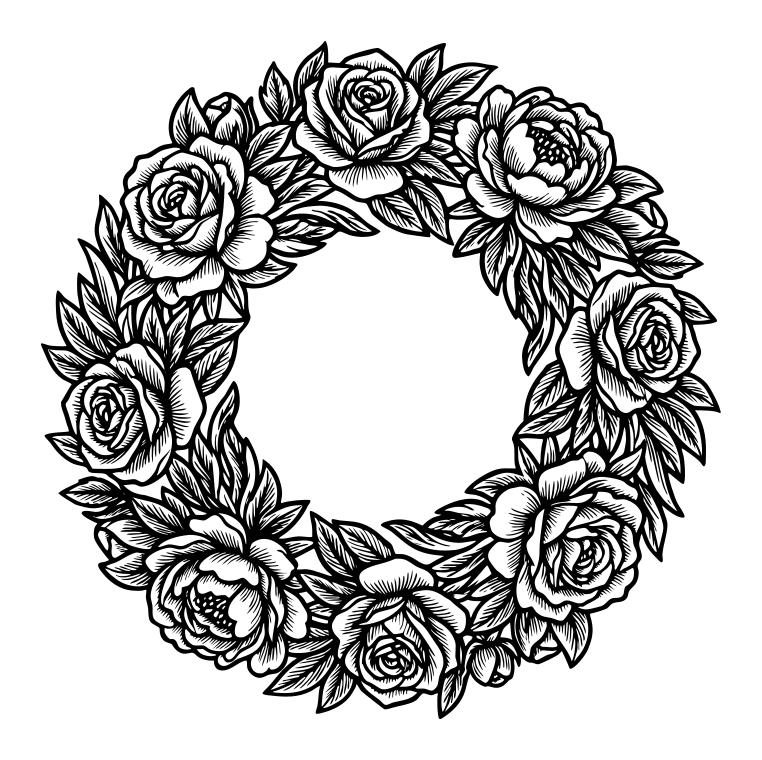
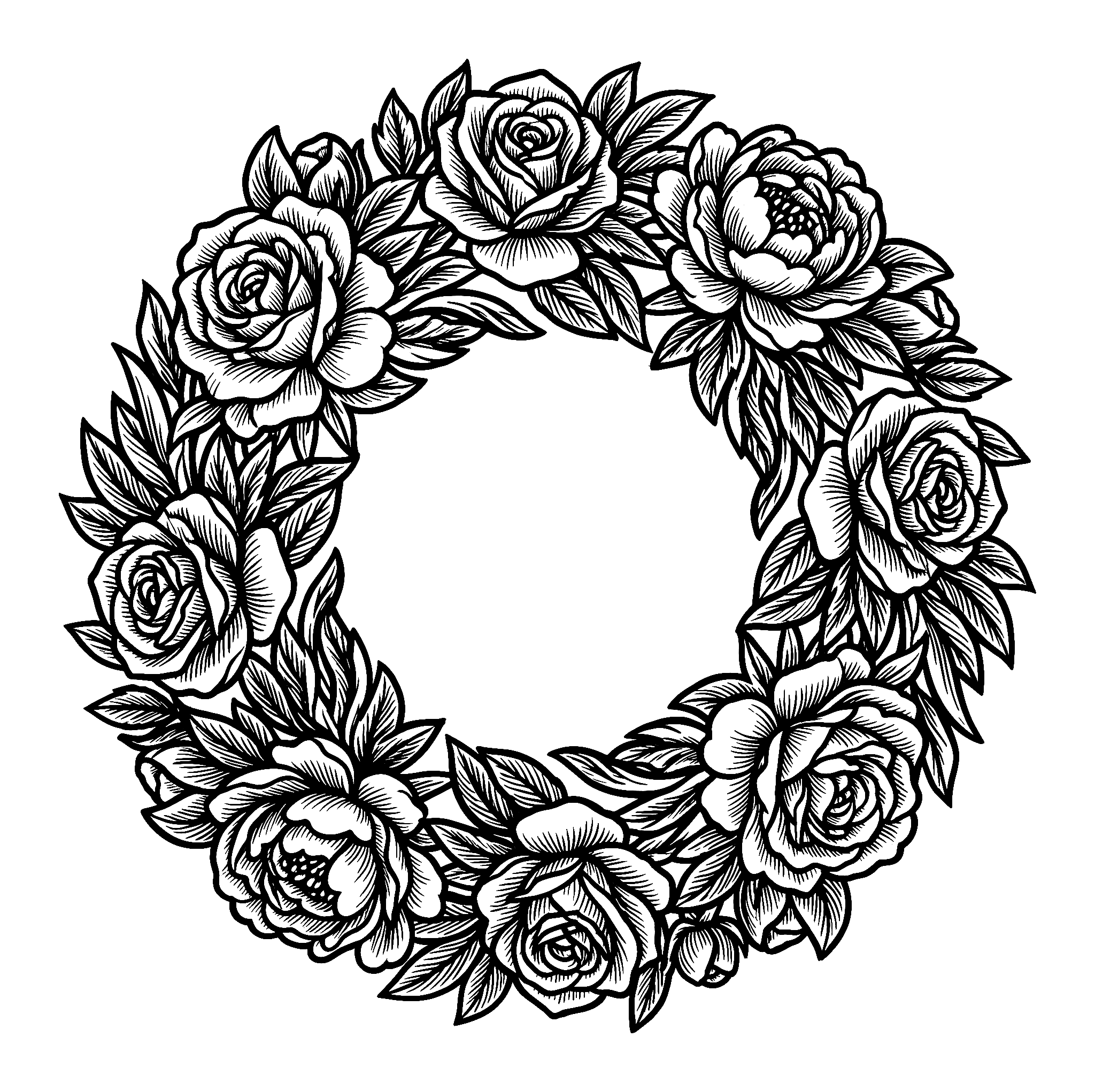
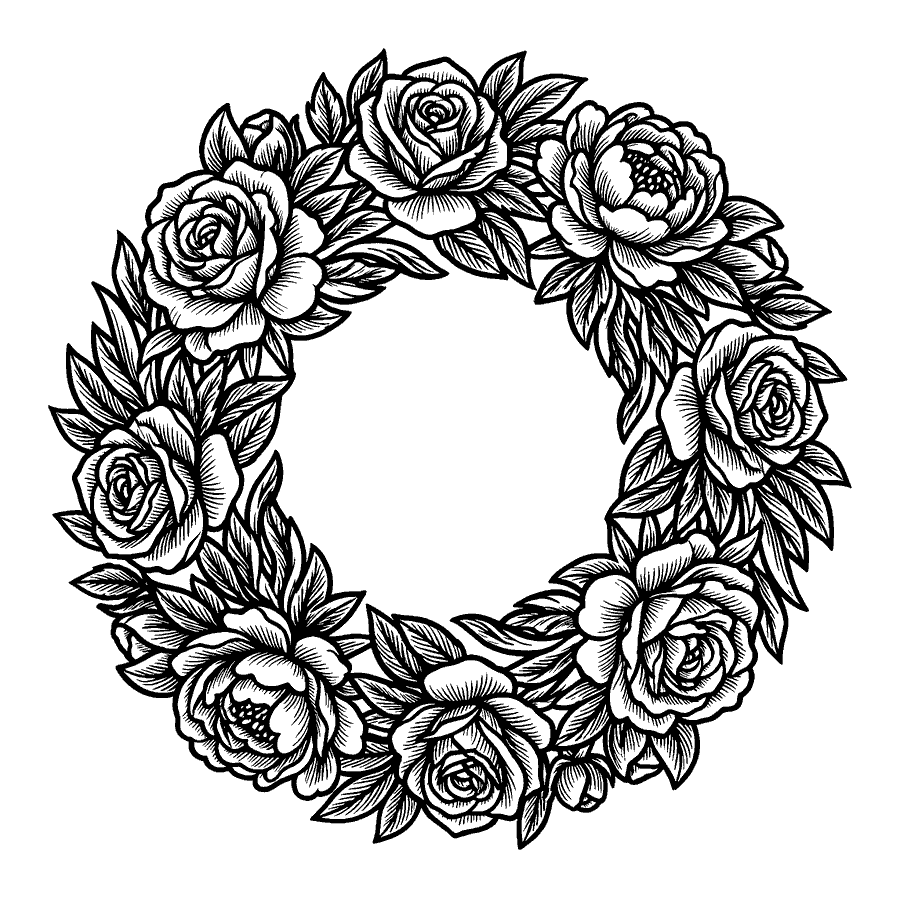
A round wreath of roses and leaves in fine hatching, with an open centre sized for a name or a date.
- Style
- Fine line
- Engraves well from
- 160 mm wide
- Files open at
- 180 × 180 mm
- Good on
- Wedding signs, guest books, cutting boards
Free, no email. SVG: one black shape sized in millimetres, scales to any size. PNG: 2048 × 2043 px, sharp up to 145 mm wide on wood. Fine to engrave and sell.
- wreath
- flowers
- wedding
Burn preview
Rendered by Etch's engine at 180 × 180 mm, the way the laser marks each material. On slate and glass the laser lightens the surface, so the lines come out light.
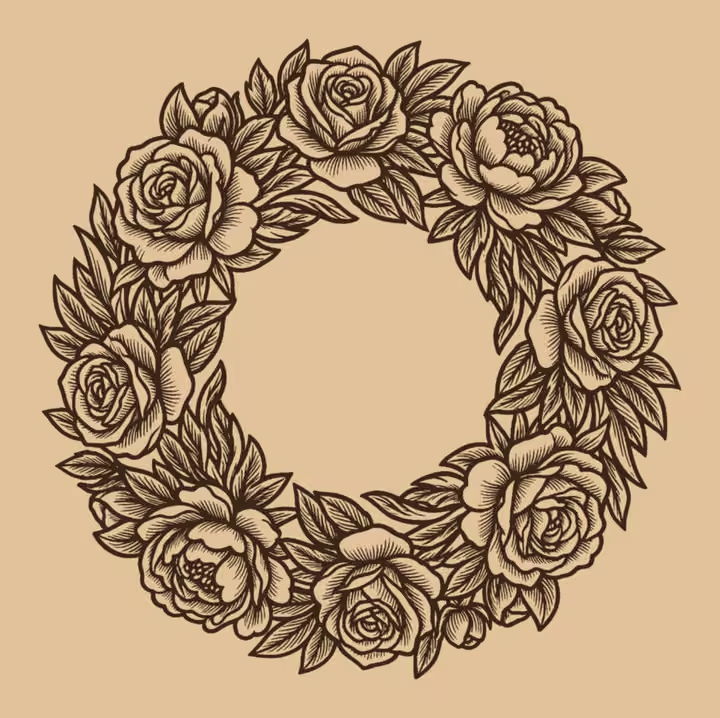 Wood318 lpi
Lines burn dark, 25% of the area marked
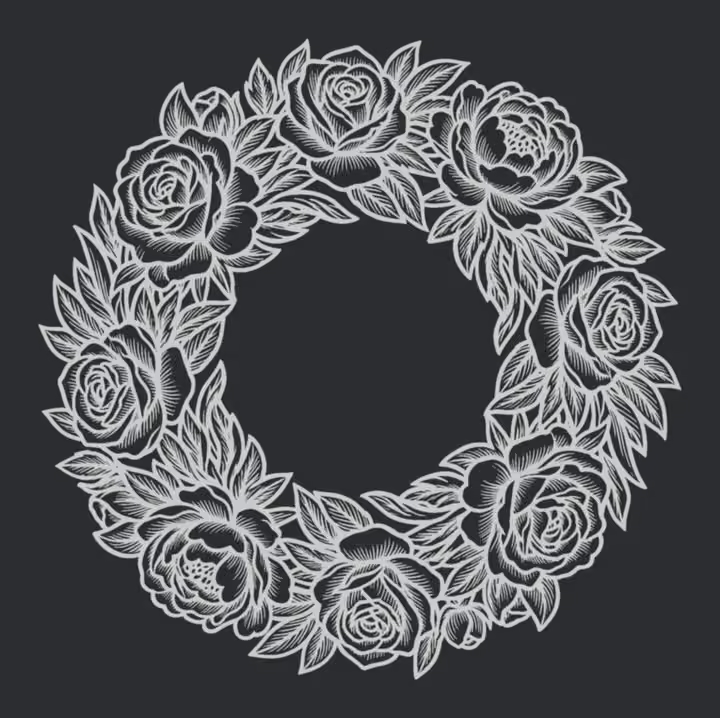 Slate254 lpi
Lines burn light, 25% of the area marked
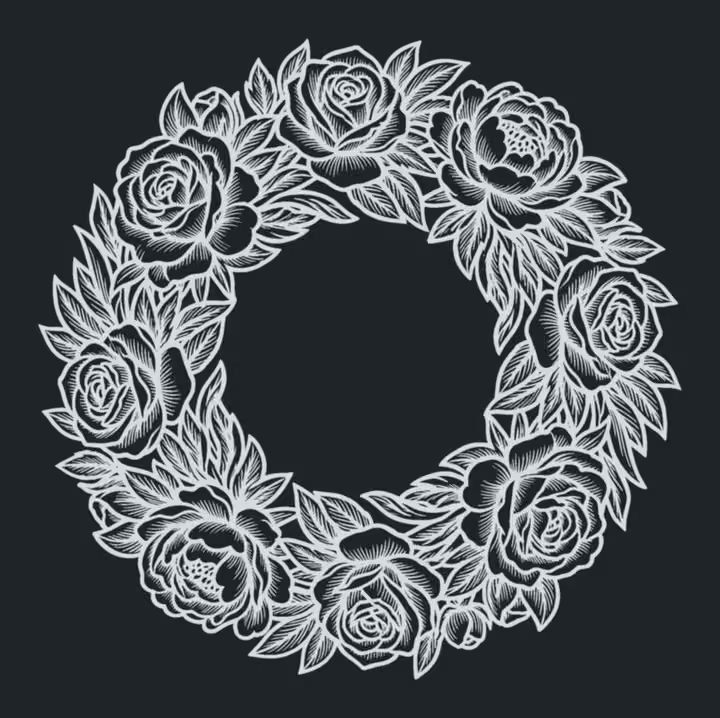 Glass254 lpi
Lines burn light, 25% of the area marked
Start here, then run a test grid
Starting points for a 55 W CO2 laser, not tested recipes. Run a test grid on your own material first, then adjust.
| Material | Power | Speed | lpiLines per inch |
|---|---|---|---|
| Wood | 8% | 400 mm/s | 318 |
| Slate | 25% | 300 mm/s | 254 |
| Glass | 20% | 300 mm/s | 254 |
- 1Import the SVG. It opens at 180 × 180 mm in LightBurn, xTool Studio, Glowforge and Inkscape. Keep it at least 160 mm wide so the finest lines stay open.
- 2Set it to engrave (fill), not cut or score. On slate, anodized aluminium and glass, engrave the black as it is: those materials mark light by themselves.
- 3Burn a small test grid on a scrap of the same material, pick the square you like, and engrave.