Pro
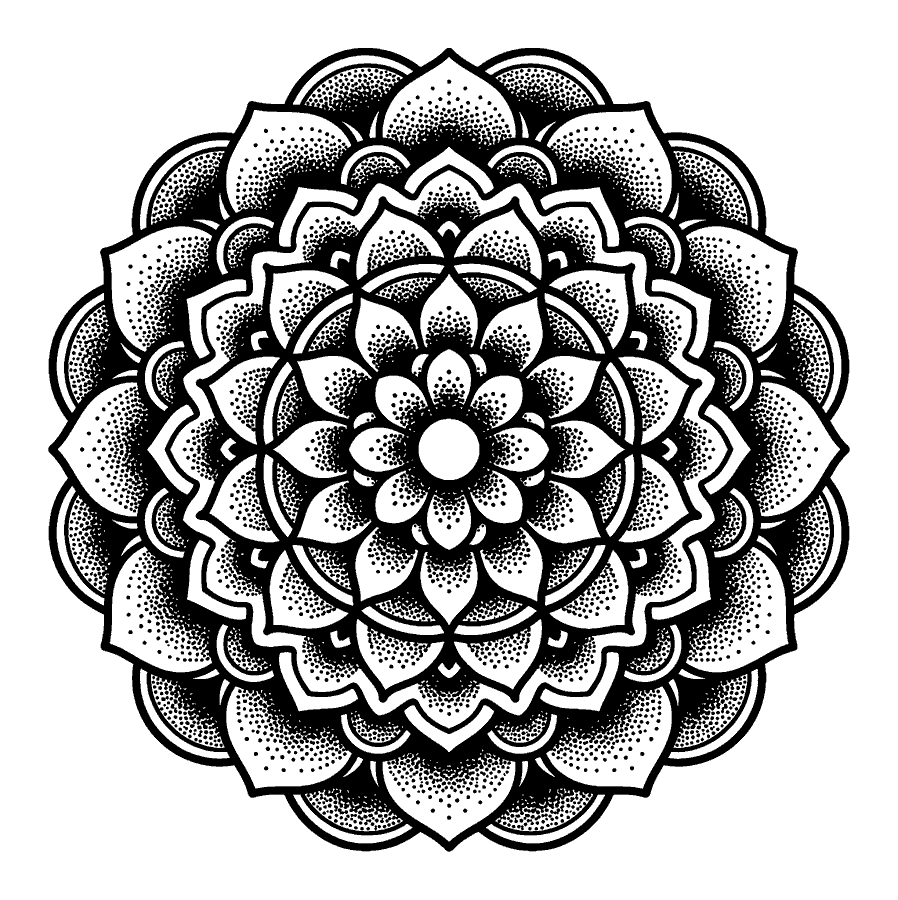
Dotwork Mandala
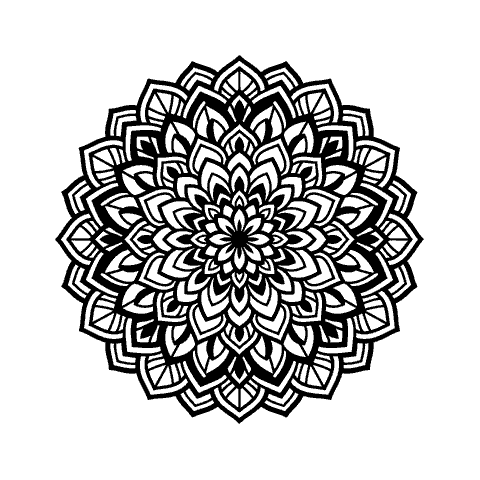
A round mandala of petals and scallops shaded in dotwork, rings fading from dense to light.
- Style
- Stipple
- Engraves well from
- 105 mm wide
- Files open at
- 120 × 120 mm
- Good on
- Slate, wall art, larger coasters
In Etch Pro
Open it in the Etch app for iPhone and iPad, pick the material and size, and export for xTool, LightBurn or Glowforge. Pro also unlocks every other Pro design.
- mandala
- dotwork
- pattern
Burn preview
Rendered by Etch's engine at 120 × 120 mm, the way the laser marks each material. On anodized aluminium the laser lightens the surface, so the lines come out light.
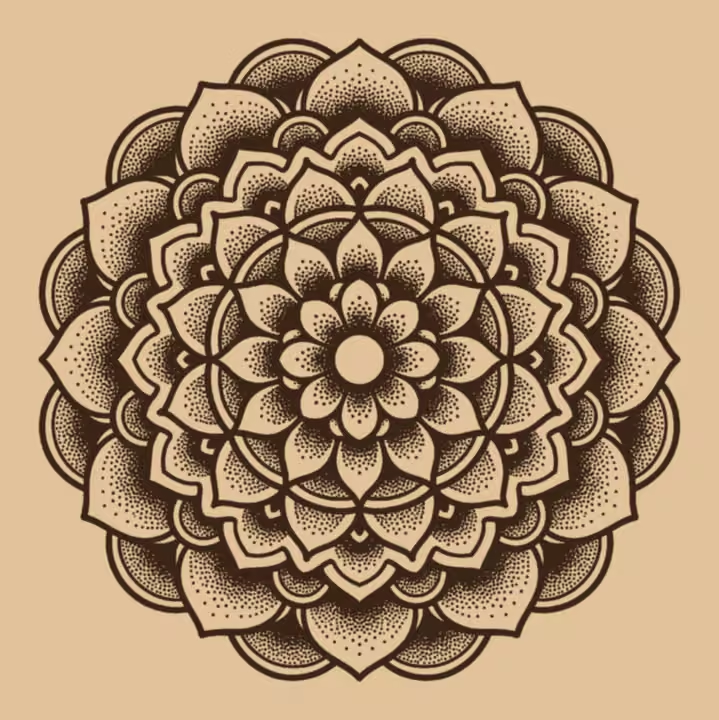 Wood318 lpi
Lines burn dark, 32% of the area marked
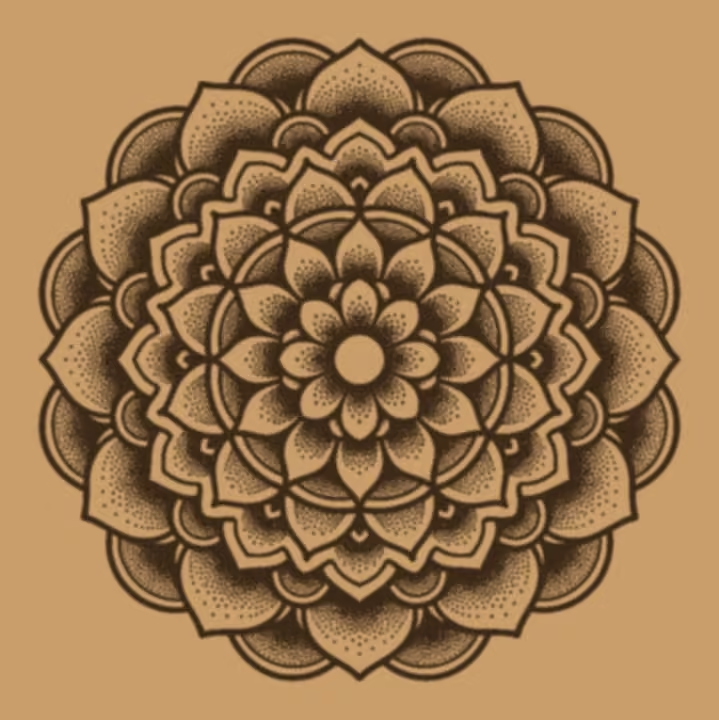 Cork200 lpi
Lines burn dark, 32% of the area marked
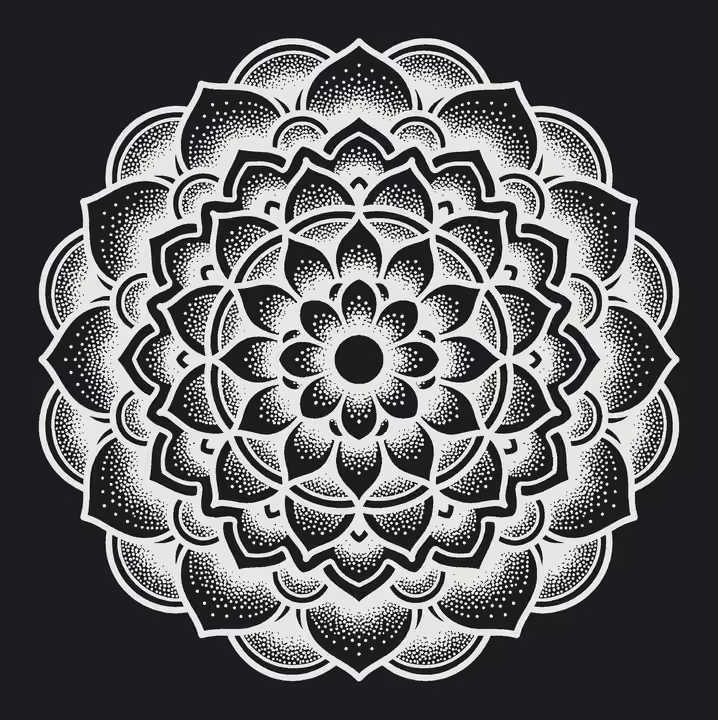 Anodized aluminium423 lpi
Lines burn light, 32% of the area marked
Start here, then run a test grid
Starting points for a 55 W CO2 laser, not tested recipes. Run a test grid on your own material first, then adjust.
| Material | Power | Speed | lpiLines per inch |
|---|---|---|---|
| Wood | 8% | 400 mm/s | 318 |
| Cork | 18% | 220 mm/s | 200 |
| Anodized aluminium | 30% | 400 mm/s | 423 |
- 1Open the design in Etch, choose the material and set the width (120 mm is a good start). Keep it at least 105 mm wide so the finest lines stay open.
- 2Export for your laser: an xTool project, a LightBurn project, a Glowforge SVG, or PNG and SVG for anything else.
- 3Burn a small test grid on a scrap of the same material, pick the square you like, and engrave.